Playbook
The Click After the Citation: Is Your Page Ready for an AI-Referred Visitor?
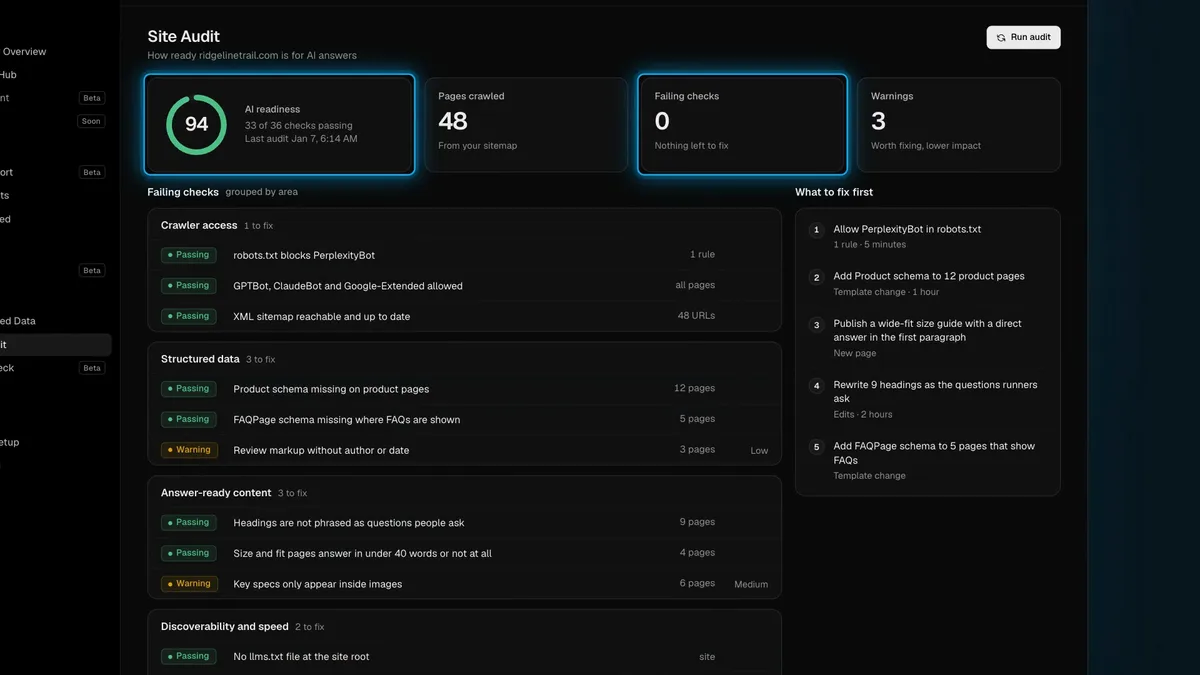
A citation tells you that your page was linked in an answer. It doesn’t tell you what happened after someone clicked.
A visitor following a link inside an AI answer may already have read a summary. The sentence surrounding that link can shape what they expect to find. Your page needs to help them check the claim and decide what to do next.
That gives you a useful second question after “Were we cited?”: “Was the destination useful?”
Why this is worth checking now
On October 15, 2026, Google said it had substantially increased inline links in its AI experiences and was launching changes to show those links higher in responses more often. Inline links sit within specific words or phrases. The same announcement described an official-sites display and clickable creator names as tests, while article carousels were rolling out more widely. These features were not all at the same stage. Google
That announcement doesn’t establish how much traffic your pages will receive or whether visitors will convert. It does provide a practical reason to examine the relationship between the linked phrase and the destination page.
Review one cited page
Pick one page you have observed linked from an AI answer. A pricing page, integration guide, policy page or how-to article can be a useful starting point.
Save the answer, its linked sentence, the destination URL and the date. If you are reviewing a likely destination without an observed citation, record that distinction. Then run four checks.
1. Does the first screen match the question?
Write down the claim the link was attached to. Load your page on a phone.
Does the opening address that point, or does it begin with a generic brand message? If the answer belongs further down, is there a clear heading or jump link?
The goal isn’t to force every detail above the fold. It is to make the relevant answer easy to find. A useful opening can state the short answer and direct readers to the conditions, evidence or instructions underneath.
2. Is the basic answer available without a gate?
A form or demo request can interrupt someone who only wants to confirm a basic fact.
Gating has its place. A consultation, detailed report or account-specific quote may reasonably require another step. But consider making the core information readable on the page: whether you offer the service, who it is for, and what the visitor needs to know before contacting you.
Where pricing genuinely requires a quote, explain what determines it. Don’t invent a price simply to provide a short answer.
3. Are changing details current?
Help readers distinguish current information from historical material:
- Show a meaningful update date when substantive facts change.
- Clearly label superseded information.
- Explain what changed and when if the change affects a buying decision.
- Link to the current source of detail.
Changing a date without reviewing the content doesn’t solve the problem. Assign someone responsibility for checking facts such as availability, plan eligibility and supported integrations.
4. Is the next action proportionate?
Match the next step to the question the page answers.
Someone checking whether you serve their state may want a phone number or a short enquiry form. Someone comparing implementation requirements may want documentation before a sales conversation.
Choose a clear primary action and, where useful, a lighter alternative. Treat this as a design choice to test, rather than assuming every AI-referred visitor is ready for the same commitment.
A hypothetical example
Imagine a payroll software company. An AI answer to “Does [Brand] handle contractor payments in Texas?” links the phrase “supports 1099 contractors” to its 2023 blog post.
The post opens with three paragraphs about the gig economy. Texas isn’t mentioned. The current, verified answer—“yes, in all 50 states, on the Standard plan and above”—appears on a pricing page the post doesn’t link to. The post’s only call to action is an email-gated guide.
The company could make three focused changes:
- Add a dated note near the top with the current answer, applicable plans and a link to pricing.
- Keep the guide optional and add a relevant contact link.
- Put the same accurate answer on the current pricing page.
These changes help a reader follow the information. They don’t guarantee that an AI system will choose a different citation or that the visitor will become a customer.
Measure the stages separately
Keep separate lines for:
- Citation: the page appeared as a link in an observed answer.
- Visit: someone arrived on the page.
- Engagement: an observable action, such as opening documentation or following a pricing link.
- Qualified action: an action meeting your defined business criteria.
- Conversion: your chosen outcome, such as a sign-up, booking or purchase.
Scrolling alone does not prove that a visitor was qualified or that their need was met. Define each measure before comparing results.
Your analytics may identify referrals from some AI assistants. Don’t assume every visit originating in an AI feature can be separated from other search traffic. Record what the available data actually identifies, and keep uncertain attribution visible.
A short review routine
Each month, review a small group of important or observed cited pages on mobile. Record the question, the destination, the issue and the change made.
Begin with the mismatch that most obstructs the reader’s task. That might be a buried answer, outdated plan detail, an unnecessary gate or an unclear next step.
Then check what happened using the measures you defined. A clearer destination is useful work even while the relationship between citations, visits and business results remains uncertain.
Topic inspiration: Click Intelligence’s October 2026 monthly SEO newsletter.
Keep reading
 Playbook
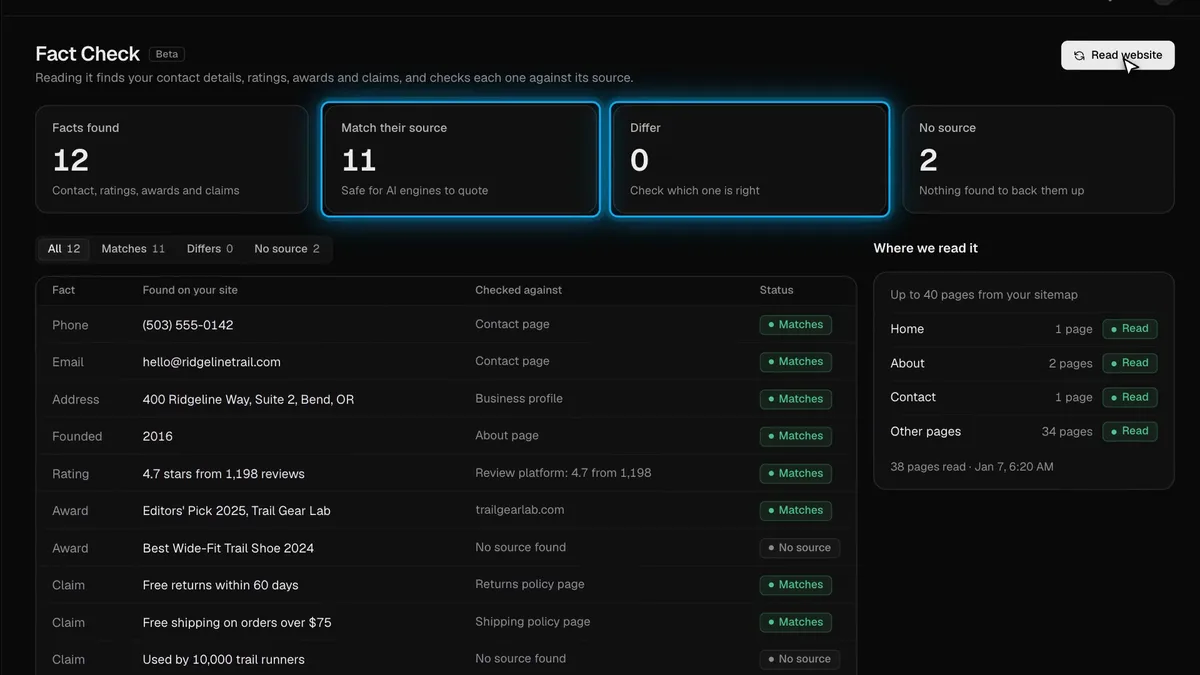
AI Knows Your Brand. Does It Have the Facts Right?
Showing up in AI answers is one question. Being described correctly is another. Here's a repeatable way to log what AI says about your brand, label each claim against verified facts, and correct the sources you can reach.
6 min read
 Playbook
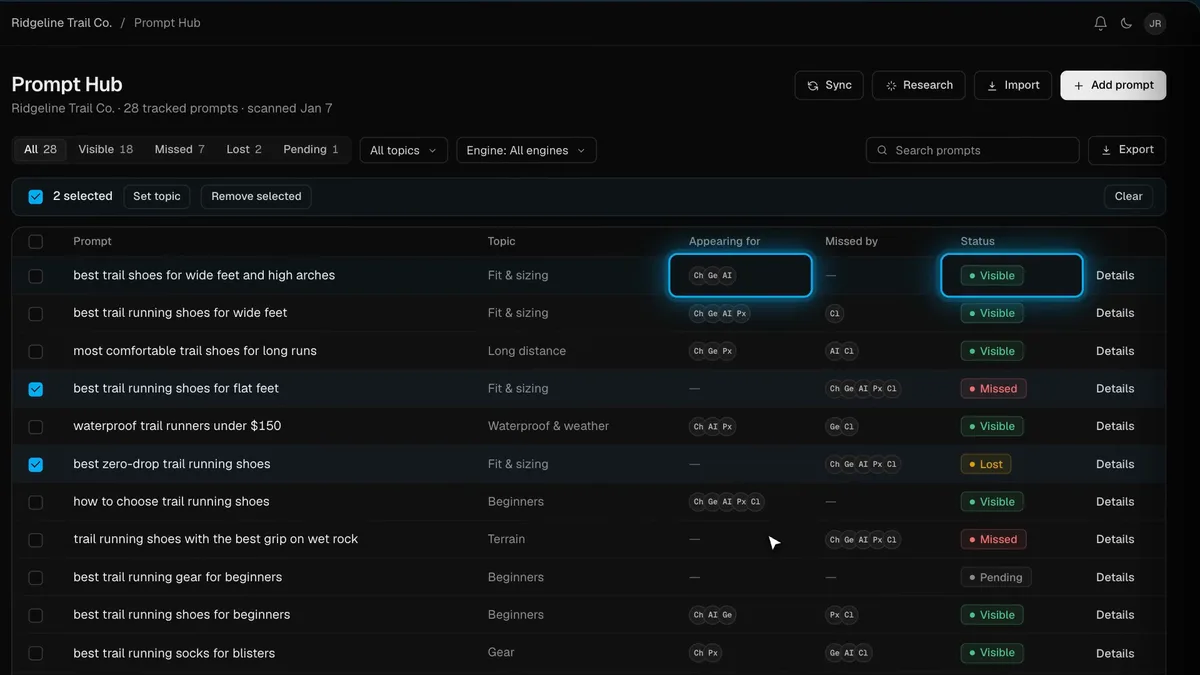
What should your next GEO investment fix?
A popular tactic may be the wrong next task for your website. Use four practical gates to decide what to fix, what to fund and how to measure the result.
6 min read
 Research
Could ChatGPT’s emailed prompts help you decide what to publish?
A prompt in an OpenAI newsletter can reveal a useful customer task. It does not prove demand or guarantee a recommendation. Here is how to turn the observation into a small, honest content test.
6 min read