GEO guides · Playbooks
How do you fix a wrong AI answer about your business?
When an AI assistant states something wrong about your business, fix the source first. Capture the answer, find the pages it relied on, correct or replace them, ask the engines to recrawl, then run the same prompt again. Vendors warn that AI responses can contain mistakes, so check on a schedule.
Last updated November 16, 2026 · By Auden editorial team · 4 min read
Key takeaways
- Google says AI responses may include mistakes and advises checking important information in more than one place.1
- The answer is downstream of its sources. Correct the page that supplied the claim.
- Requesting a recrawl can take days to weeks, and Google says it does not assure inclusion.7
- Do not use nosnippet to suppress a claim without weighing the cost: it can remove a page from AI Overview links.4
Why do assistants get facts about a business wrong?
The vendors say it can happen. Google’s AI Overviews help page says AI responses may include mistakes, and Perplexity points readers to its numbered citations to verify answers. Common causes are an outdated page of yours, a stale third-party page, two of your pages that disagree, or no page that states the fact.
How do you document the error?
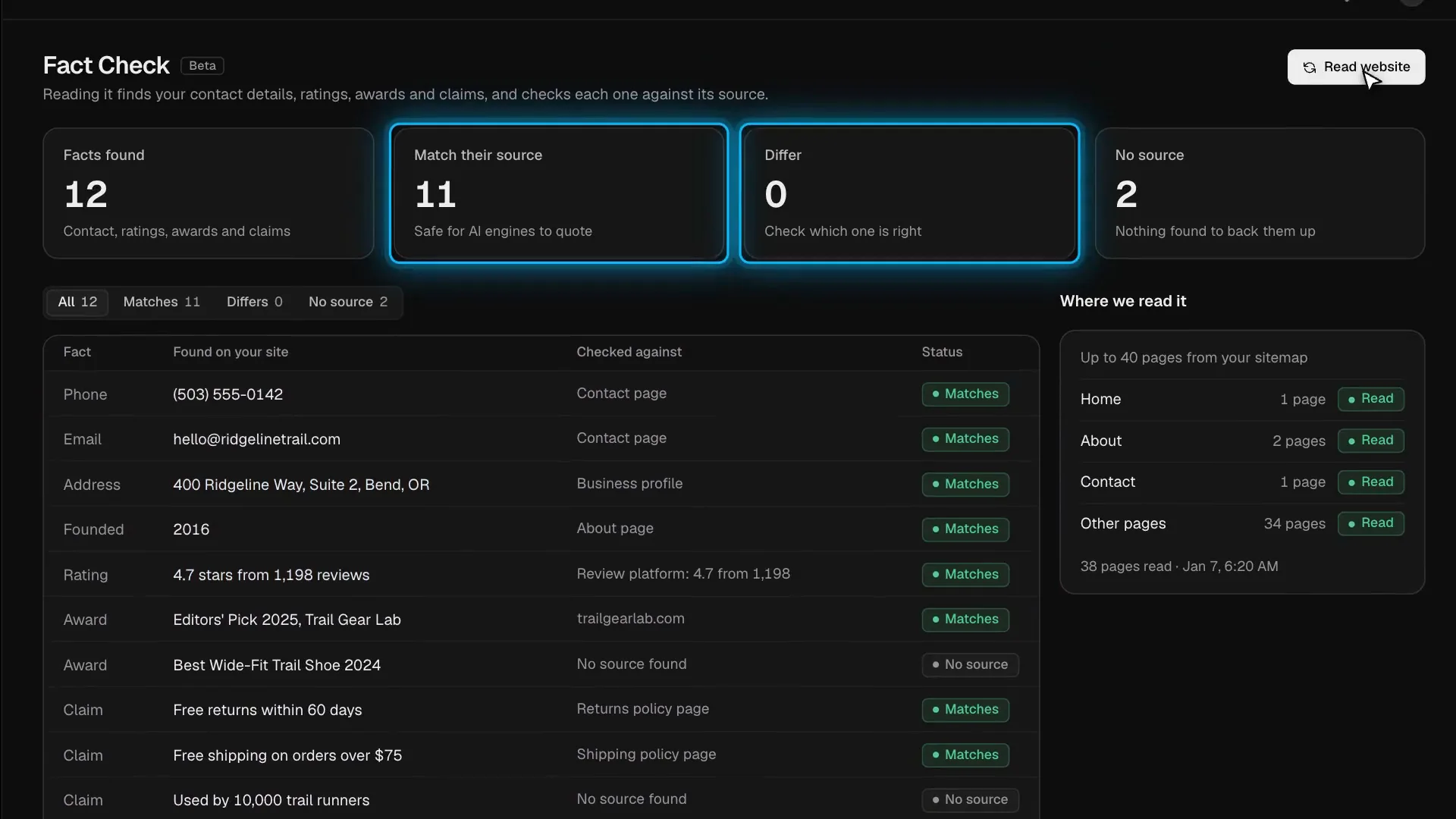
Capture the answer exactly as shown, with the engine, date, location and prompt. Then log one row per claim. A claim you cannot reproduce is hard to fix, and a clear record tells the person who owns the source page what to change and how to check it afterward.
| Field | What goes in it |
|---|---|
| Engine and date | For example Claude with web search, with the capture date |
| Prompt | The exact wording |
| Claim | The sentence as the assistant wrote it |
| Verdict | Accurate, incomplete, stale, false, opinion stated as fact, or unverifiable |
| Evidence | The current page that confirms or contradicts it |
| Likely source | Your page, a third-party page or unknown |
| Owner | Who can change that source |
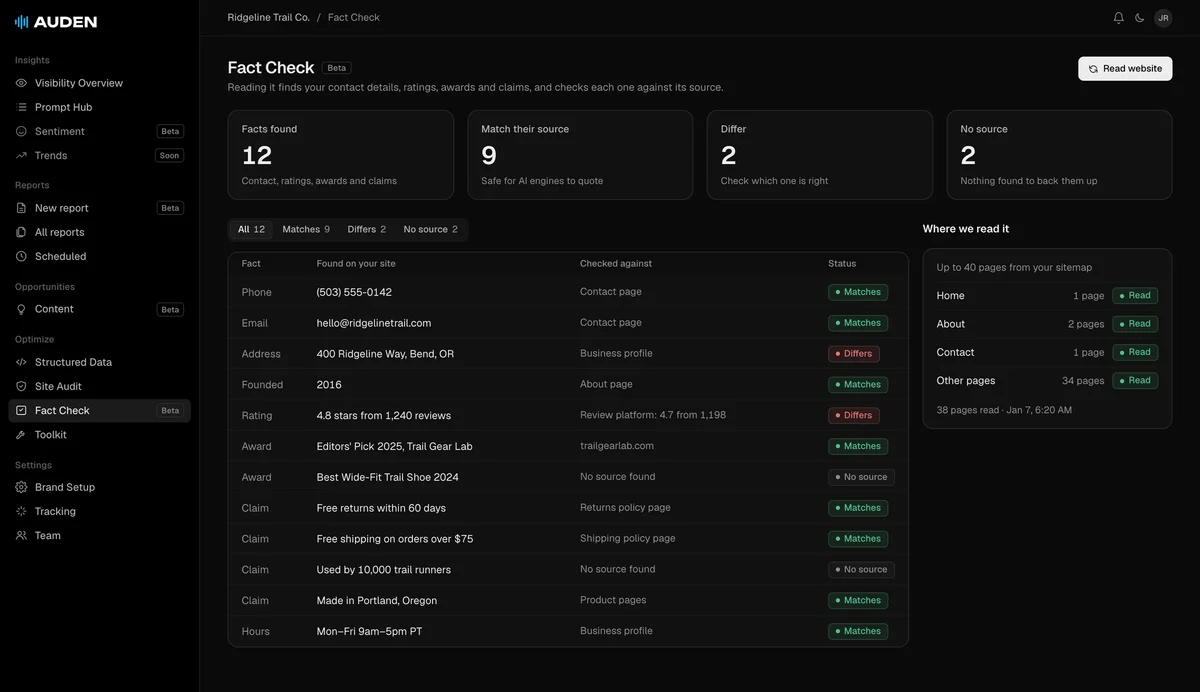
Check your own facts against your current product and policy pages. Your preferred wording is not evidence.
How do you find where the claim came from?
Open the sources the answer links to and search each for the claim. Perplexity shows numbered citations, Claude shows source links and quotes, Google shows supporting links and Copilot shows citations. If no linked page supports the claim, check older versions of your pages and third-party listings, reviews and directories that describe you.
Where each engine puts the evidence differs: Perplexity numbers its citations,2 Claude lists source links and quotes,3 Google shows supporting links4 and Copilot lists citations.5 In Copilot Chat you can also read the web search queries sent to Bing, which show what the assistant looked for.6
How do you fix the source?
Change the page that supplied the claim, state the correct fact plainly near the top, and keep your other pages consistent with it. Then ask the engines to refresh. Google offers the URL Inspection tool for a few pages and sitemaps for many. Microsoft recommends IndexNow to notify search engines of changes.
- Update the page. Say the fact once, in a sentence a reader and an extractor can both use, and date the update.
- Make sure no other page of yours contradicts it. Redirect or remove retired pages.
- For a third-party page, ask its owner to correct it.
- Request a recrawl in Search Console for a few URLs, or submit a sitemap for many.7
- Use IndexNow where your platform supports it to notify participating search engines of the change.58
- If the wrong answer is a Google AI Overview, use the thumbs-down and Report a problem option. The report includes your most recent search query and its results.1
Do not rely on robots.txt to remove a page from results. Google says it is not a mechanism for keeping a page out of Google.9
How do you confirm the fix worked?
Run the same prompt on the same engine and record the result, then repeat after a few weeks. Google’s recrawl guidance puts crawling at days to weeks and says a request does not mean inclusion. A fix is confirmed when the answer changes and stays changed across repeat runs.7
Keep the original claim in the ledger with the verdict and the date it was resolved, so a regression is visible if the wrong claim returns. Add the prompt to your core set if it is not already there. Google notes that a crawl request does not assure inclusion, so repeat the check rather than assume.7

Questions people ask
Can I ask an engine to correct an answer directly?
For Google AI Overviews, yes: use the thumbs-down, choose Report a problem and add details.1 For other engines, fixing the source pages is the route this guide covers.
How long until a fix shows up?
Google puts crawling at days to weeks and says a recrawl request does not ensure inclusion.7
Should I add nosnippet to stop a wrong summary?
Think first. Google ties supporting links in AI Overviews and AI Mode to snippet eligibility, so nosnippet can remove the page from that pool.4
Does a wrong answer mean my site has a technical fault?
Not necessarily. The cause is often an outdated or conflicting page, or a third-party source. Google says AI responses may include mistakes.1
Sources
Every statement about how an engine, crawler, file or schema works comes from the pages below, which we read on November 16, 2026. Vendors change these pages, so check the originals before you act.
- 1Google Search HelpAI Overviews: help and feedbacksupport.google.com/websearch/answer/14901683 · accessed November 16, 2026
- 2Perplexity Help CenterHow does Perplexity work?www.perplexity.ai/help-center/en/articles/10352895-how-does-perplexity-work · accessed November 16, 2026
- 3Claude Help CenterEnable and use web searchsupport.claude.com/en/articles/10684626-enable-and-use-web-search · accessed November 16, 2026
- 4Google Search CentralAI features and your websitedevelopers.google.com/search/docs/appearance/ai-features · accessed November 16, 2026
- 5Bing Webmaster BlogIntroducing AI Performance in Bing Webmaster Tools Public Preview (February 10, 2026)blogs.bing.com/webmaster/February-2026/Introducing-AI-Performance-in-Bing-Webmaster-Tools-Public-Preview · accessed November 16, 2026
- 6Microsoft LearnData, privacy, and security for web search in Microsoft Copilot and Microsoft Copilot Chatlearn.microsoft.com/en-us/copilot/microsoft-365/manage-public-web-access · accessed November 16, 2026
- 7Google Search CentralAsk Google to recrawl your URLsdevelopers.google.com/search/docs/crawling-indexing/ask-google-to-recrawl · accessed November 16, 2026
- 8IndexNowIndexNow: instantly index your website contentwww.bing.com/indexnow · accessed November 16, 2026
- 9Google Search CentralIntroduction to robots.txtdevelopers.google.com/search/docs/crawling-indexing/robots/intro · accessed November 16, 2026
Related guides
 Prompt trackingHow to choose buyer prompts, structure a stable set, record each run and read the results.5 min readUpdated November 16, 2026
 Citations vs recommendationsWhy a page can be cited while a competitor is named, and how to measure each outcome separately.5 min readUpdated November 16, 2026
 Measuring AI search trafficWhat Google Search Console and Bing Webmaster Tools report, what server logs show, and what none of it tells you.4 min readUpdated November 16, 2026
See how AI answers describe your business today.
Auden is a GEO service for US businesses. Run the free visibility check, or talk to the team about a plan.