Visual guide
Could an AI agent make sense of your website?

Some AI assistants now do more than answer. With a person’s go-ahead, they may open websites, compare options and start a booking form. If one arrived on your site with a task, could it tell what you offer and what to do next?
Agent usability is one part of website readiness and the wider work of AI visibility. It is not an established universal ranking factor. A usable site cannot guarantee a mention, citation or recommendation.
Three different jobs
-
01 · Crawl and index
Software reads public pages
Crawlers fetch pages. Indexing is a separate step that processes and stores information for search.
- Helps
- Crawlable links, text in the HTML, deliberate robots.txt rules.
- Possible result
- Your page may enter a search index. Fetching alone does not guarantee this.
-
02 · AI answer and citation
An assistant draws on pages
Answering a question, an assistant may retrieve and summarise pages and link some as sources.
- Helps
- Specific, checkable, dated facts.
- Possible result
- A mention or citation. Never guaranteed.
-
03 · Agent takes action
An assistant operates a browser
For a person, it may click, read labels and fill in fields to complete a task.
- Helps
- Labelled controls, predictable steps, clear confirmations.
- Possible result
- The task may move forward, within the person’s permissions and the system’s limits.
The robots.txt standard, RFC 9309, asks crawlers to skip paths but says its rules are “not a form of access authorization.” Training, search crawling and user-requested visits can have different controls. Check current documentation before allowing or blocking them.
What helps a page make sense
Use meaningful headings, lists and page regions, as the W3C structure guide explains. Prefer native HTML controls; incorrect ARIA can make things worse. Agents may use page structure, accessibility information or screenshots. Clear semantics help interpretation, but do not guarantee success.
The checklist below draws on W3C guidance for forms and navigation.
From browsing to booking
Example task: “Find a home-cleaning service near me for Saturday morning, within my budget. Show me the best fit before booking.”
-
Browse
Opens a few service pages.
NeedsService area and inclusions in text.
-
Compare
Lines up price, availability and cancellation terms.
NeedsPrices or quote rules on the page.
-
Review
Checks the proposed date, service and total before submitting.
NeedsLabelled fields, visible instructions.
-
Person decides
Authorize
Pauses and shows the person a summary to approve or change.
NeedsA review step: date, price, terms.
-
Book
After approval, completes only permitted steps or hands control to the person.
NeedsConfirmation with a reference and how to change it.
Where it may stop: a missing price, an unlabelled field or a security check meant for a person. Fix unclear content and controls. Respect security checks; arrange a human handoff.
For important submissions, WCAG 2.2 describes safeguards: make them reversible, check for input errors with a chance to correct them, or provide review and confirmation. For an agent journey, require appropriate authorization before sharing personal data or making commitments. Capabilities and approval rules vary. Keep logins, CAPTCHAs and fraud checks in place.
A practical checklist
Content
- Key facts are in page text, not only images or PDFs.
- Changeable facts show a date and an owner.
Structure and navigation
- One clear main heading, then logical subheadings.
- Descriptive links and menus work by keyboard.
- Native HTML controls first; ARIA only to fill gaps.
Forms and booking
- Every field has a visible label.
- Errors are described in text.
- A review step comes before any payment or commitment.
- Confirmation shows a reference and change or cancellation terms.
Access and measurement
- Crawler rules reflect deliberate choices.
- Security checks stay in place.
- Key journeys tested with keyboard and screen reader.
- Any assistant test is dated, with product, task and where it stopped.
Choosing help
One assistant test is an observation, not a trend. Track inquiries and bookings separately from AI mentions. The best GEO agency for your business should explain which journeys it will check, what evidence you keep and who makes the changes. Our GEO and AEO buyer guide covers the foundations, and the agency selection scorecard helps you review a proposal from Auden AI. No agency can promise that an assistant will choose your business.
Reviewed 24 October 2026. Standards support the accessibility advice; they do not prove AI ranking benefits. The diagrams and checklist are practical guidance, not a benchmark.
Keep reading
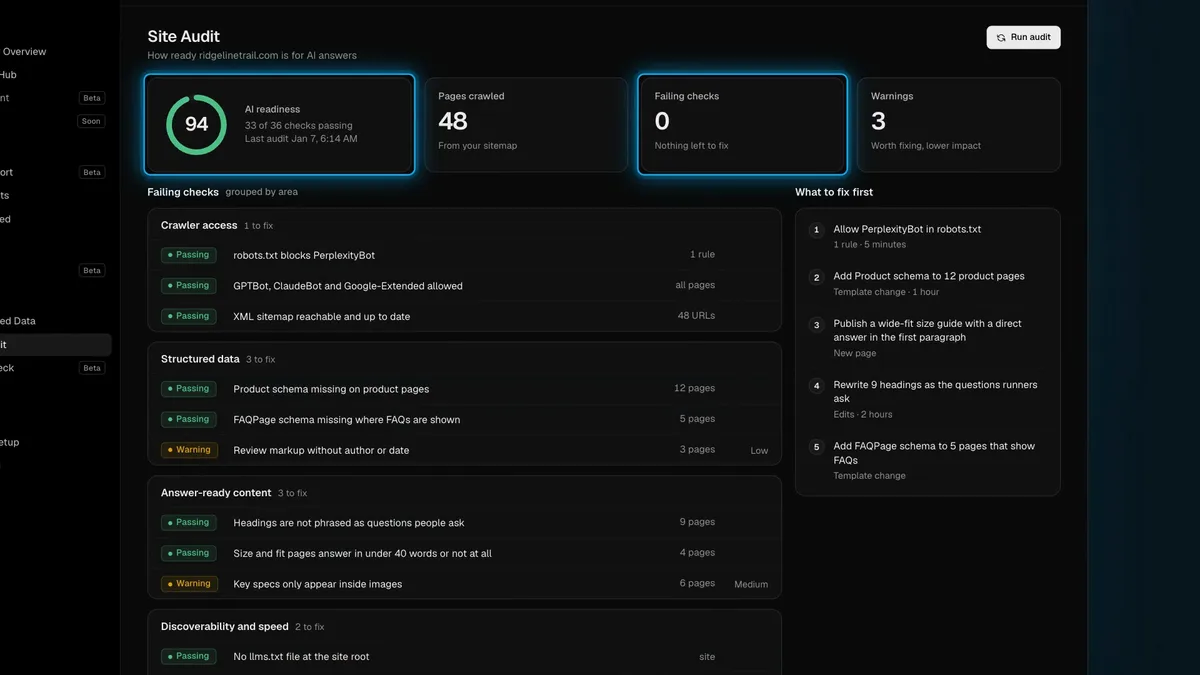 Playbook
The Click After the Citation: Is Your Page Ready for an AI-Referred Visitor?
A citation can lead someone to your page. Does the page help them finish the task? Use these four checks to review the answer, supporting detail and next step.
5 min read
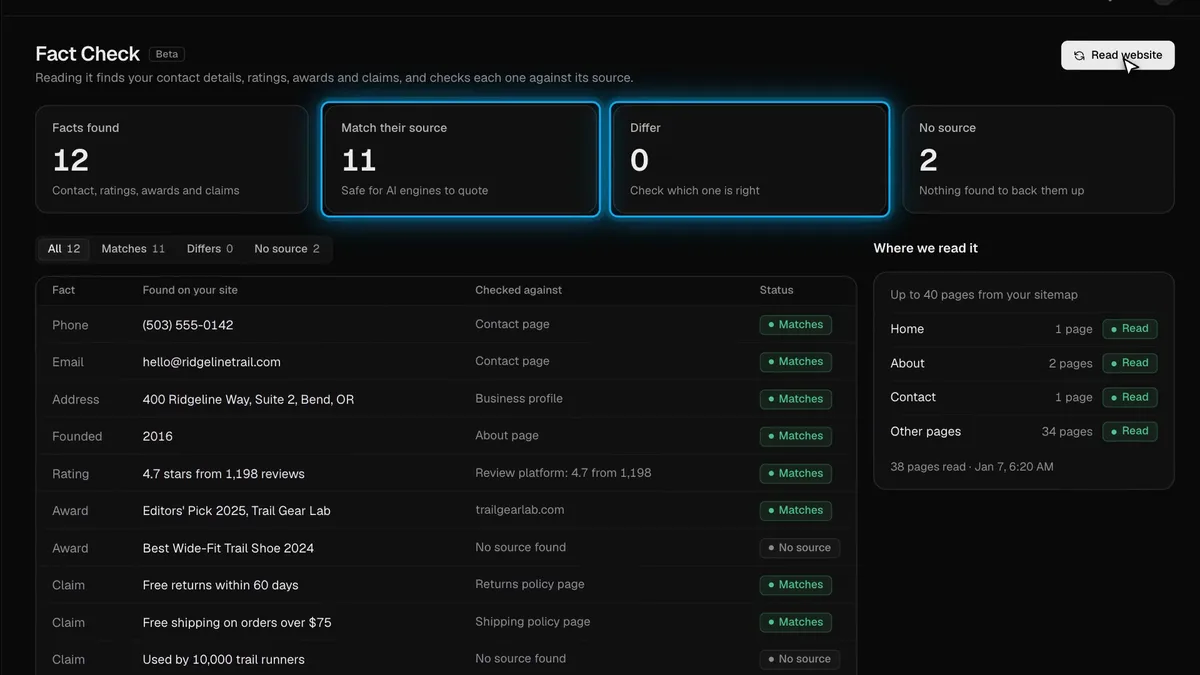 Playbook
AI Knows Your Brand. Does It Have the Facts Right?
Showing up in AI answers is one question. Being described correctly is another. Here's a repeatable way to log what AI says about your brand, label each claim against verified facts, and correct the sources you can reach.
6 min read
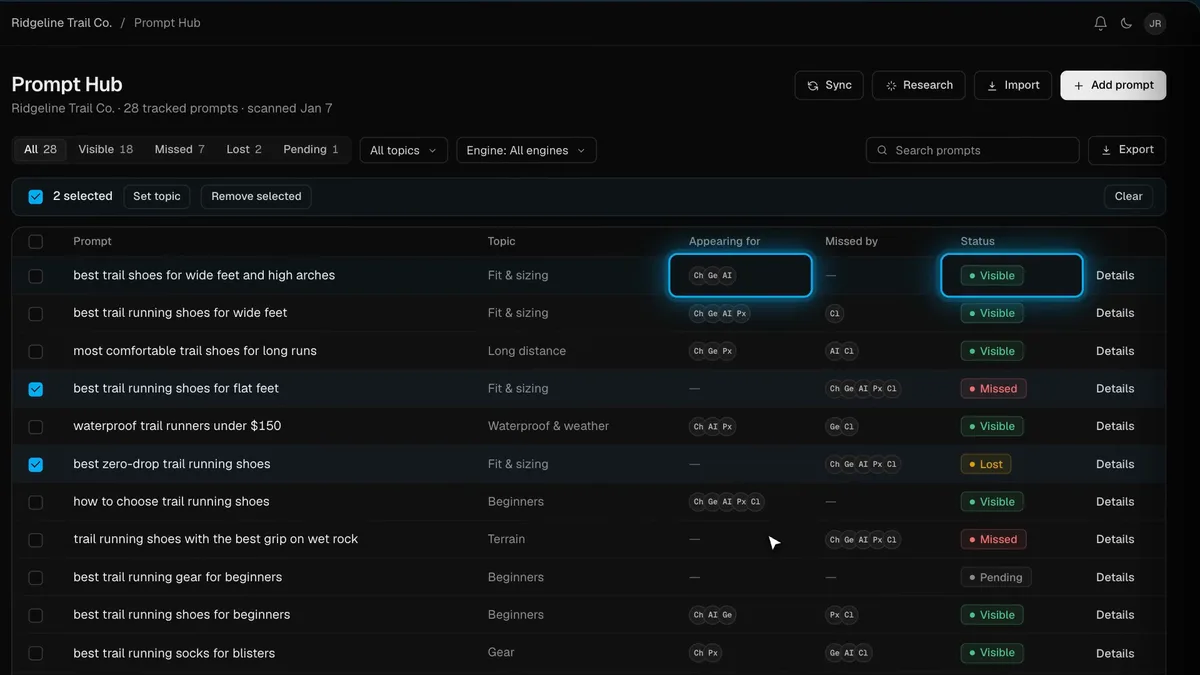 Playbook
What should your next GEO investment fix?
A popular tactic may be the wrong next task for your website. Use four practical gates to decide what to fix, what to fund and how to measure the result.
6 min read